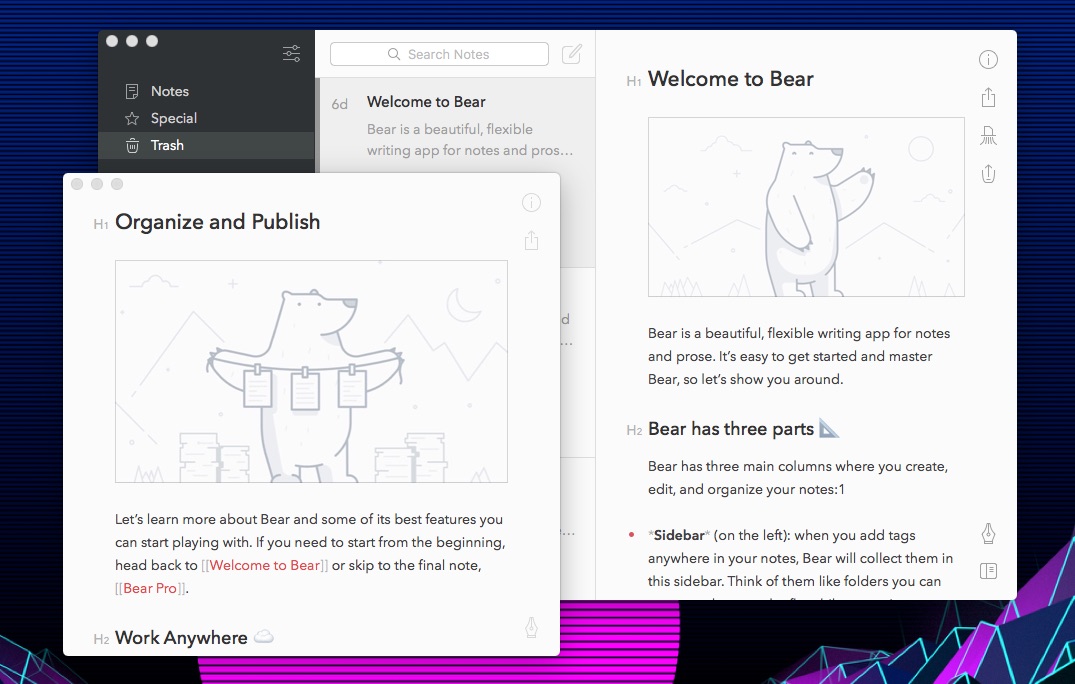
Open Bear notes in separate windows
In Bear for Mac, you can easily open notes in their own windows: Double click on a note in the Notes List or select Note → Open In New Window from the menu bar.
You can open note links in external windows by holding the ⌘ key while clicking the link in Bear's note editor.
You can also make the window float on top of all other windows on your Mac. Once a note is floating in its own window, tap the icon in the bottom right corner (it looks like one square on top of another). You can also select Window → Float on Top.
