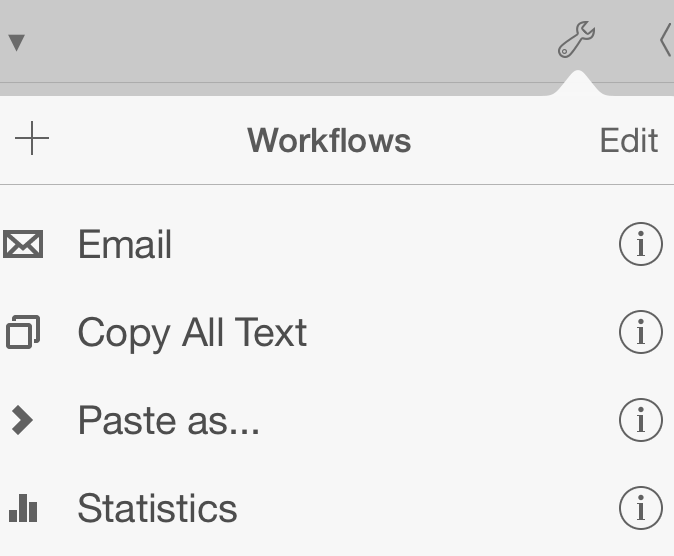
Workflows allow you to extend Editorial with your own commands. Each workflow is a sequence of simple steps (called actions) that are executed sequentially. There are lots of different actions that do all kinds of things – converting Markdown to HTML, searching for regular expressions, showing dialogs and email sheets, playing sound effects, setting the clipboard contents, and much more.
A couple of workflows are bundled with the app – looking at how they were built is one of the best ways to get started with learning how to make your own. If you’re new to this, try changing some simple things in an existing workflow at first – once you’re comfortable with that, you can easily build your own workflows from scratch.
Tap on the info button next to a workflow in the list to see details and start editing. You can also tap on the Edit button to rearrange the list, or to delete workflows. If you accidentally deleted a bundled workflow, you can get it back by selecting “Restore Default Workflows & Snippets” in the settings.
You don’t need to know how to write code for building workflows, but if you do, you can create custom actions and script actions with Python that make your toolbox even more powerful.
